Notify me when it's back in stock
Prefer to wait? Enter your email and we'll let you know when this product is back in stock.
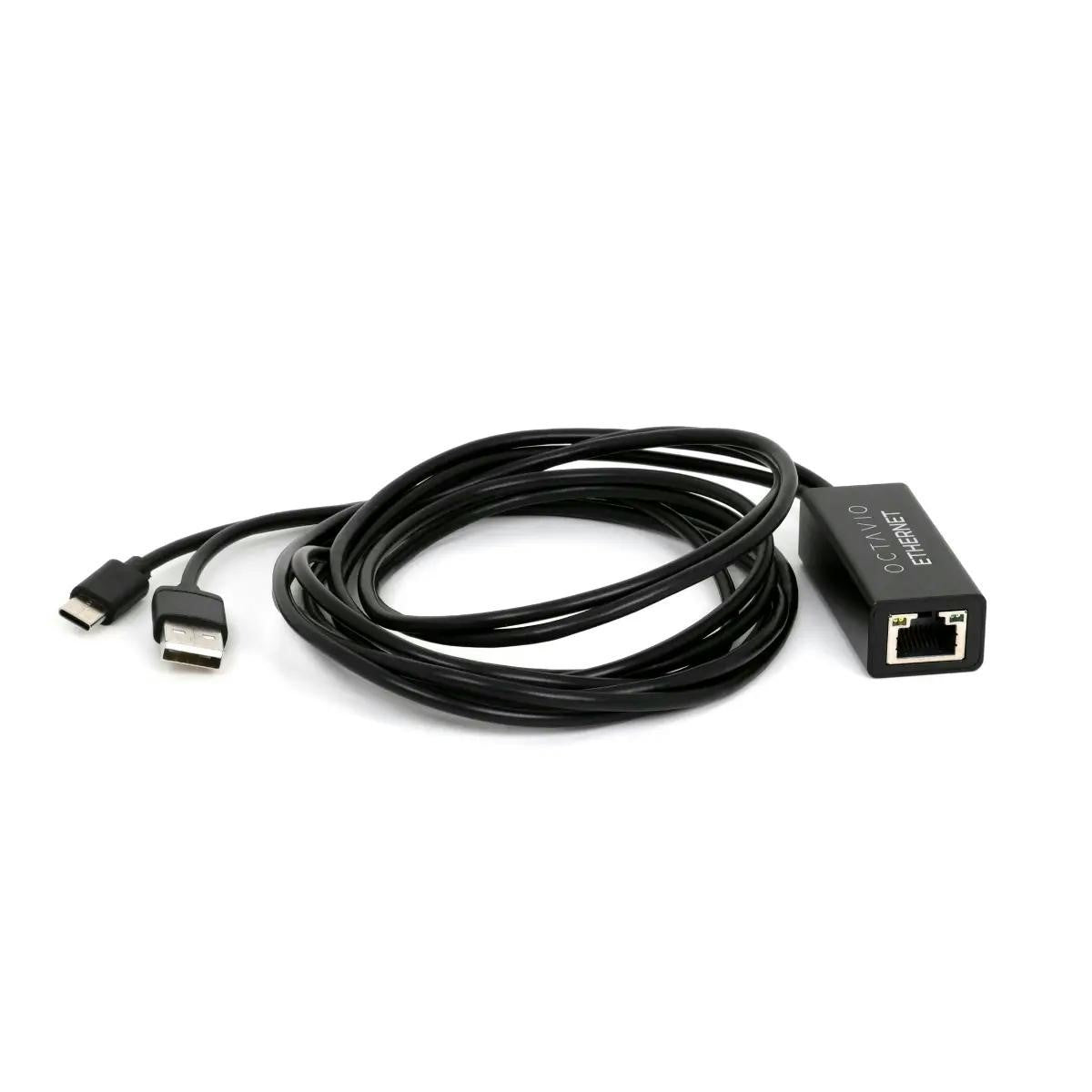
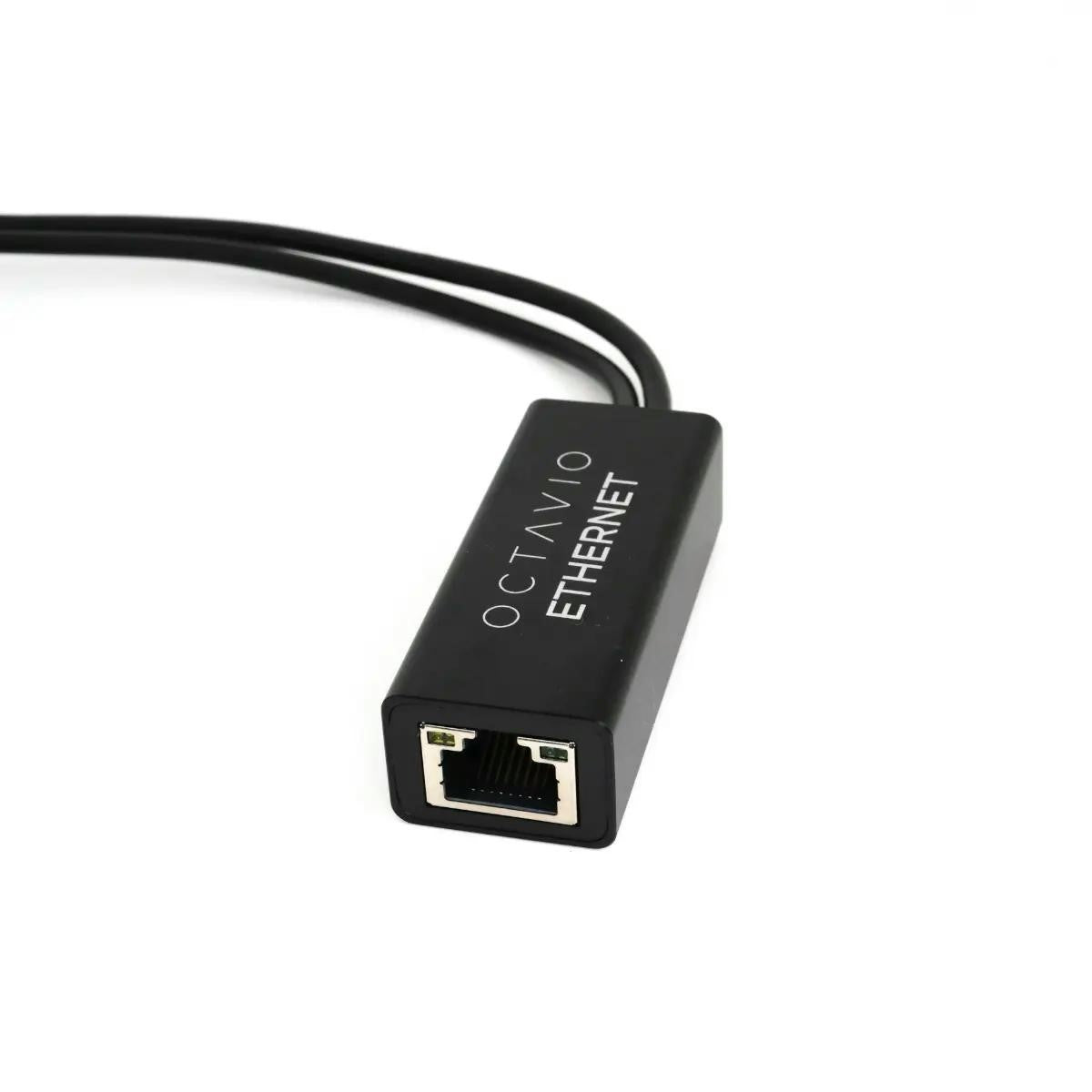
Secure, stable network for hi-res streaming with your Octavio Stream. The Octavio Ethernet cable is a dedicated RJ45 to USB-C adapter cable designed specifically to give the Octavio Stream a reliable wired network connection. It bypasses Wi-Fi limitations to deliver smooth, interruption-free playback of high-resolution music in any audiophile system.
- Dedicated RJ45 to USB-C cable for Octavio Stream / Stream G2
- 100 Mbps wired Ethernet connection for hi-res and lossless streaming
- 3 m cable length for flexible placement of your streamer and router
- Simple plug-and-play installation, no drivers or configuration needed
Product Overview
The Octavio Ethernet cable is purpose-built to connect your Octavio Stream directly to your router or network switch via a wired RJ45 link, using the streamer’s USB-C port. Once connected, your Octavio Stream benefits from a stable 100 Mbps Ethernet connection, ideal for Qobuz, Tidal, local NAS libraries and any high-bitrate streaming service.
Designed as the most straightforward way to improve network reliability, this cable is particularly beneficial in homes where Wi-Fi coverage is inconsistent, congested or affected by thick walls and interference.
Performance for Audiophile Streaming
The Octavio Ethernet cable is focused on one goal: ensuring a rock-solid data stream for your music. Wired Ethernet dramatically reduces the risk of dropouts, buffering and micro-cuts that can disrupt listening, especially with hi-res files or multiroom playback.
By providing a dedicated 100 Mbps link, this cable easily exceeds the bandwidth required for 24-bit/192 kHz audio and lossless streaming services, while offering lower latency and better stability than typical Wi-Fi connections. The result is a more relaxed, “invisible” network layer so you can simply enjoy the music.
Why Choose Wired Ethernet for Your Octavio Stream?
For serious hi-fi systems, a wired connection is often the preferred option:
-
Stability – far less sensitive to interference than Wi-Fi, even in busy homes.
-
Consistency – maintains performance at any time of day, even when multiple devices share the network.
-
Hi-res friendly – easily handles large data streams from 24-bit/192 kHz files or NAS playback.
-
Multiroom reliability – avoids timing glitches between zones when several Octavio devices are used.
Installation & Use
Setup is deliberately simple:
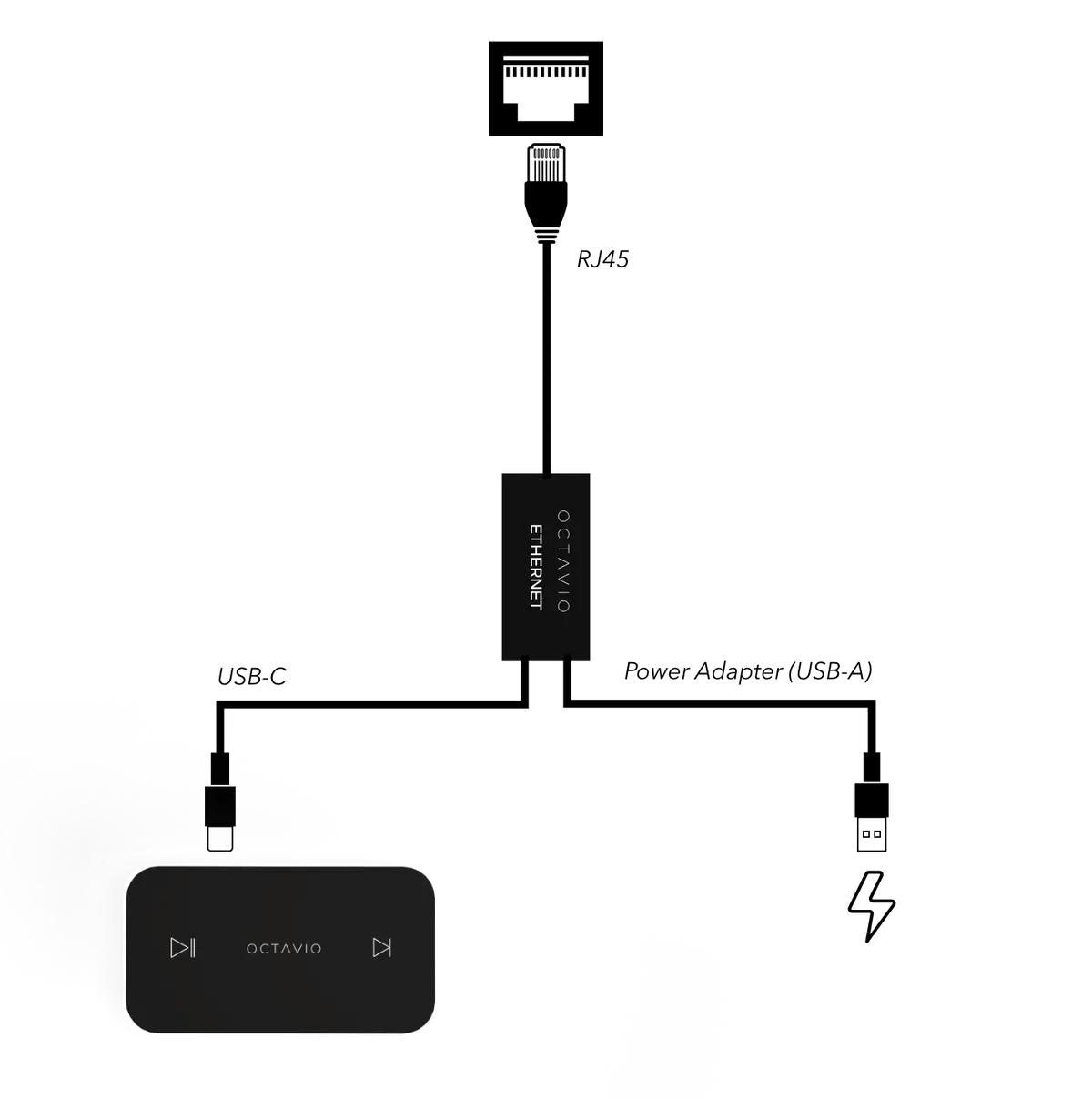
- Connect the RJ45 plug to a free Ethernet port on your router, switch or CPL (powerline) adapter.
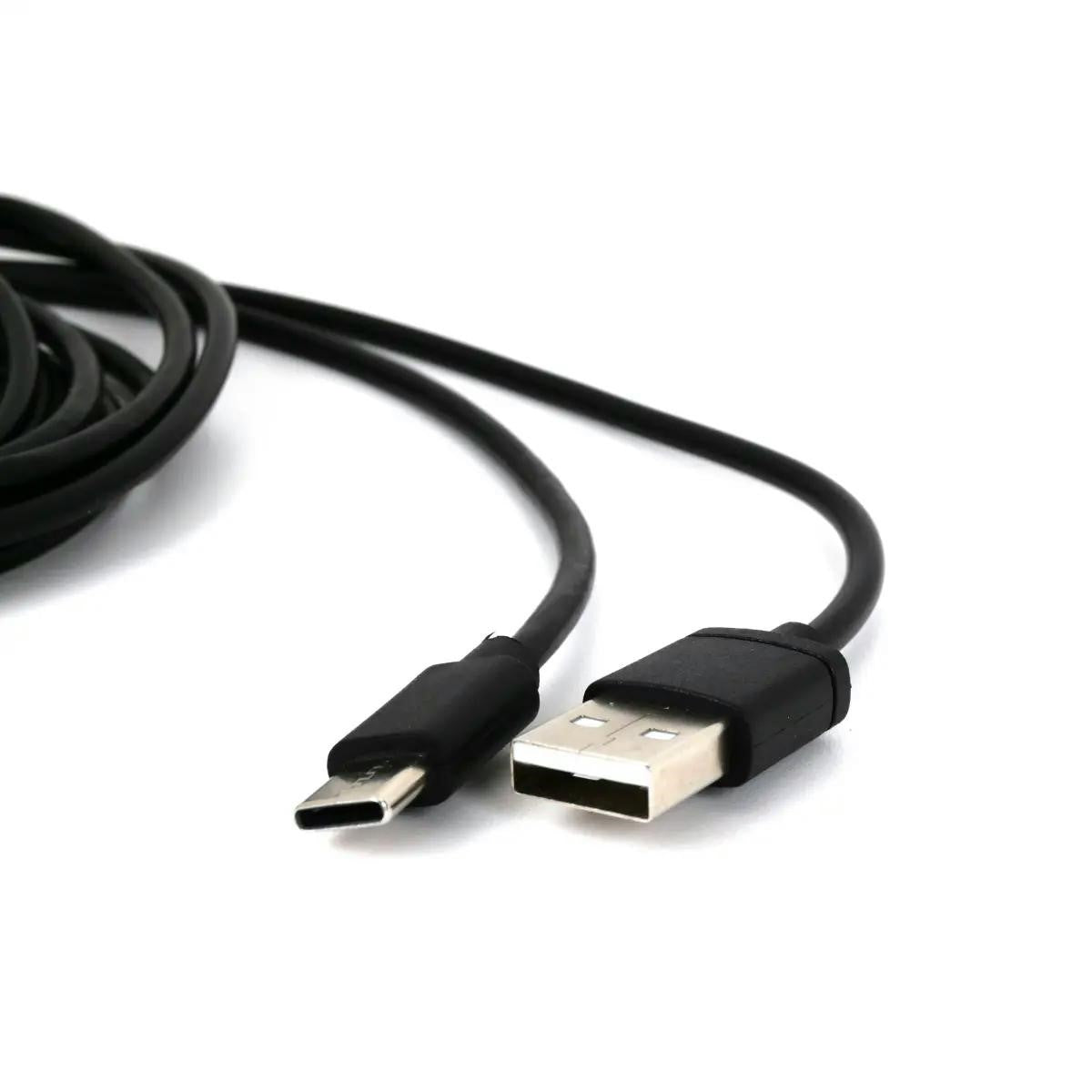
- Plug the USB-C connector into the Ethernet/USB-C port on your Octavio Stream.
- Power on your Octavio Stream as usual and select the wired network option in the app if required.
No drivers or complex configuration are needed. Once installed, the Octavio Stream uses the wired connection transparently for all streaming services and network playback.
Ideal Applications
- Octavio Stream systems used for hi-res streaming from Qobuz, Tidal or similar services
- Installations where Wi-Fi is unstable, noisy or difficult to cover reliably
- Multiroom Octavio setups where perfect synchronisation between zones is important
- Audiophile systems built around existing Ethernet or CPL (powerline) networks
Technical Specifications
- Product type: Ethernet adapter cable for Octavio Stream / Stream G2
- Connectors: 1 × RJ45 male (Ethernet), 1 × USB-C male (to Octavio Stream)
- Network speed: Up to 100 Mbps
- Cable length: 3 m
- Compatibility: Octavio Stream family and other devices supporting Ethernet over USB-C (as specified by manufacturer)
- Use: Provides wired Ethernet network access via the USB-C port of the streamer
- Installation: Plug-and-play, no additional software required
- Colour: Discreet finish for easy integration in hi-fi and living-room environments
Why Choose the Octavio Ethernet Cable?
The Octavio Ethernet cable is the ideal accessory if you want your Octavio Stream to perform at its best, free from Wi-Fi limitations. With its dedicated RJ45-to-USB-C design, 3 m length and 100 Mbps throughput, it offers a simple, affordable and highly effective way to secure a stable network connection for high-resolution, interruption-free listening in any serious hi-fi or home cinema system.